Curating with Coins in the Corners App

Last week, a quirky new app dropped on Base that's right up my alley: Corners.
These days most crypto projects are geared toward creation (e.g. token launchpads) or consumption (e.g. trading apps). The underprioritized middle layer here remains curation.
Yet curation leads to discovery, and discovery leads to more activity, and more activity leads to more innovations. In this sense, curation is a form of second-order creation.
And the truth is, everyone curates all the time. This is often personal, like organizing a Pinterest board or a YouTube playlist, but it can be collective too, like Reddit upvoting.
But what if you could earn for these types of curation, which take work and provide value? That's the question Corners is trying to answer with its new approachable app.
How does Corners work? 🔷
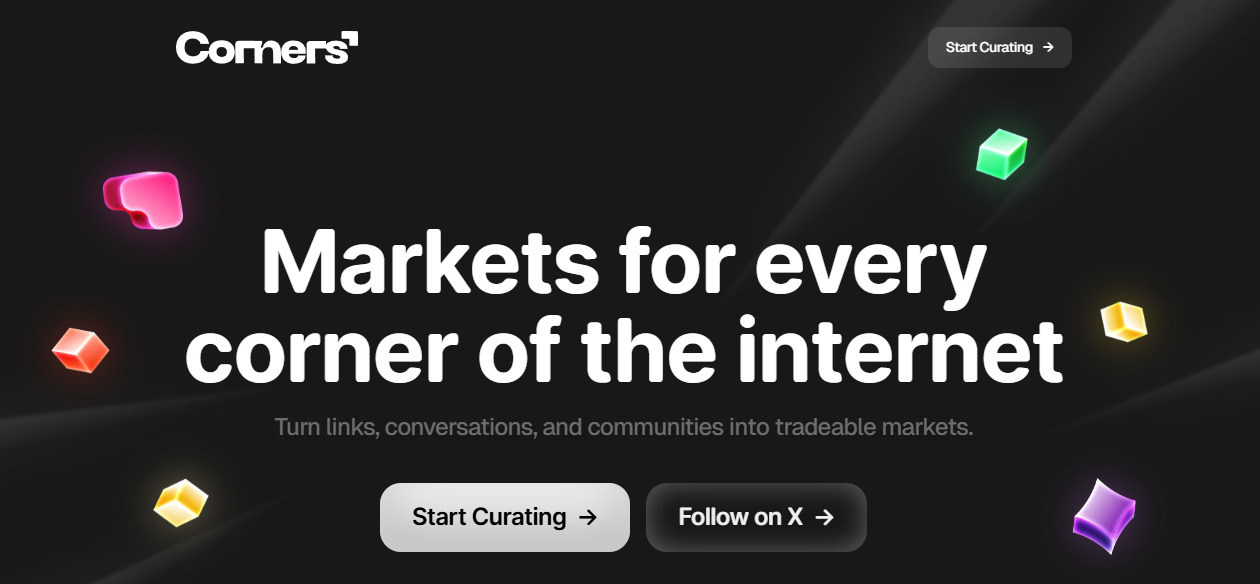
Backed by The Sandbox and deployed on Base, Corners turns internet curation into onchain markets:
- At the core of the app is the corner, which is a themed collection of links. Anyone can create a corner around a topic they care about, whether that’s video game news, horror movies, or X articles.
- Each corner automatically becomes its own tradable coin, and then the price moves as people buy and sell based on interest in that corner.
- Holding a corner’s coin gives you curation power. You can post links, add context, and upvote the best contributions, and the more tokens you hold, the more influence you have over what rises to the top.
- Also, every corner coin is paired with $SAND. So for any corners you hold that experience trading activity, you can claim $SAND rewards from the generated fees.
As such, corners are sort of like cultural index funds in the form of token-curated registries (TCRs). Curate links, trade coins, and the collective market decides what's valuable.
In this light, and to the extent that attention is economic, Corners grants pricing power to communities instead of to opaque algorithmic feeds. That's certainly applaudable.
How to use Corners ⬆️
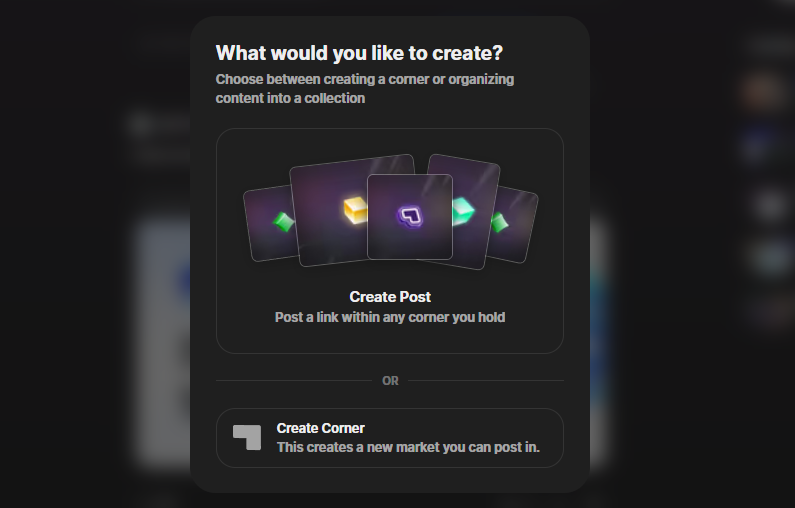
There are two main ways to participate in Corners: buy into an existing corner's coin to help curate that corner, or create a new corner to help steer. Let's walk through both of these approaches.
Upvoting and creating posts
- First, head to curate.corners.market and sign in with a funded Base wallet or via your email, Google, or X account. If you opt for a social login, you'll be provided with an embedded wallet that you can deposit to as needed.
- Now surf the homepage or the "Explore" tab and click on a corner you want to curate in. On the right side of the corner page, you'll find market stats and a price chart for its coin. Press the "Buy" button here.
- This will bring up a swap UI, which you can use to configure your desired buy amount. Then press "Buy" again and confirm the trade transaction with your wallet.
- After this, the amount of coins you received will be your upvote balance for the week, and this voting power refreshes every Monday. The default is 1 token = 1 upvote, but you can configure your power-per-click in your account settings. Lock in upvotes by clicking the arrow button beneath others' posts that you think deserve more attention.
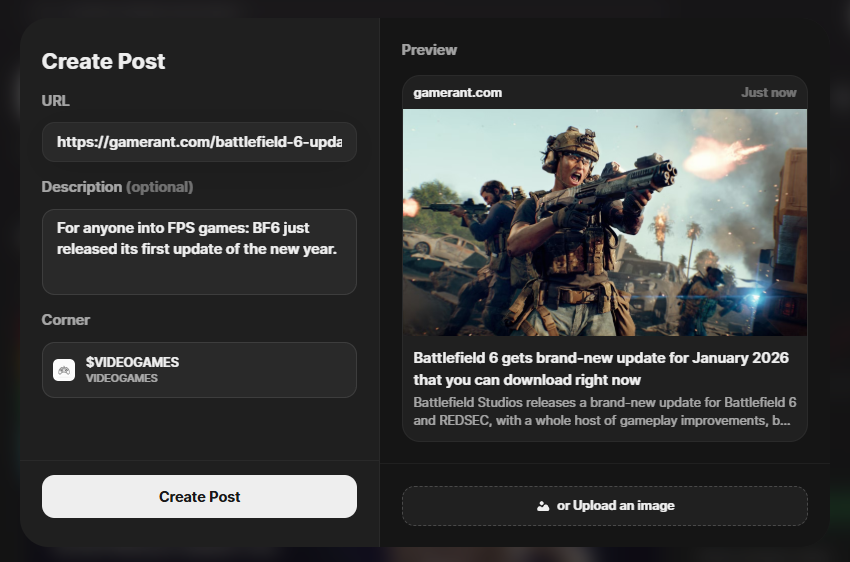
- Through your coin holdings, you can also start curating posts for your target corner. Just press the "Create new post" button in your corner of choice. Doing so will bring up a simple UI where you can submit a relevant link + description. Here's an example post I made.
Creating your own corner
- If you don't see an existing corner you want to curate for, you can focus on a topic you're more passionate about by starting fresh. To begin, press "Create" on the Corners homepage and select the "Create Corner" option.
- You'll now be in the creator UI where you can customize your corner's name, coin ticker, description, and colors. When you have everything set up how you want, press "Create Corner" again and sign the ensuing transaction.
- You'll then be provided with a link to your bespoke corner page, like so: curate.corners.market/corner/oart. Now you can start filling your corner up with selected links using the same steps we talked about in the previous section.
- Lastly, you can announce and share your corner page with others, and if any trade activity occurs around it, you'll be able to claim $SAND rewards from the generated fees.
Zooming out 🤔
Will this curation form catch on? We'll have to wait see, since Corners is literally brand new.
But like I mentioned in the intro, there is a dearth of curation efforts in crypto, so I'm happy to see any new attempts being made here. And I also like how simple the app is to use, which bodes well for its adoption potential.
All that said, consider adding Corners to your list of apps to try. Worst case scenario, you spend a few dollars of ETH to learn the ropes of a unique project. Best case scenario? You have fun curating and earn rewards for spotlighting things you love.